01
Get it out fast
Voice-first capture for the moments when stopping to type neatly would kill the idea.
 dumple
Dumple is built for messy first drafts. Speak or type the idea exactly as it arrives, keep moving, and turn it into something useful later. Notes, posts, prompts, drafts: one brain dump, many outputs.
For founders, creators, busy professionals, and anyone whose best ideas show up at inconvenient times.
Most tools expect you to organize your thinking before you capture it. Dumple does the opposite. It gives you a place to brain dump now, then clean, sort, and publish later.
Voice-first capture for the moments when stopping to type neatly would kill the idea.
The raw transcript stays visible, editable, and usable. Dumple does not force fake polish too early.
Generate drafts for social posts, messages, prompts, notes, and long-form writing from the same thought.
These screenshots come directly from the app. They show the actual flow: browse recordings, compose, tune the tone, preview the output, and adjust what formats are enabled.
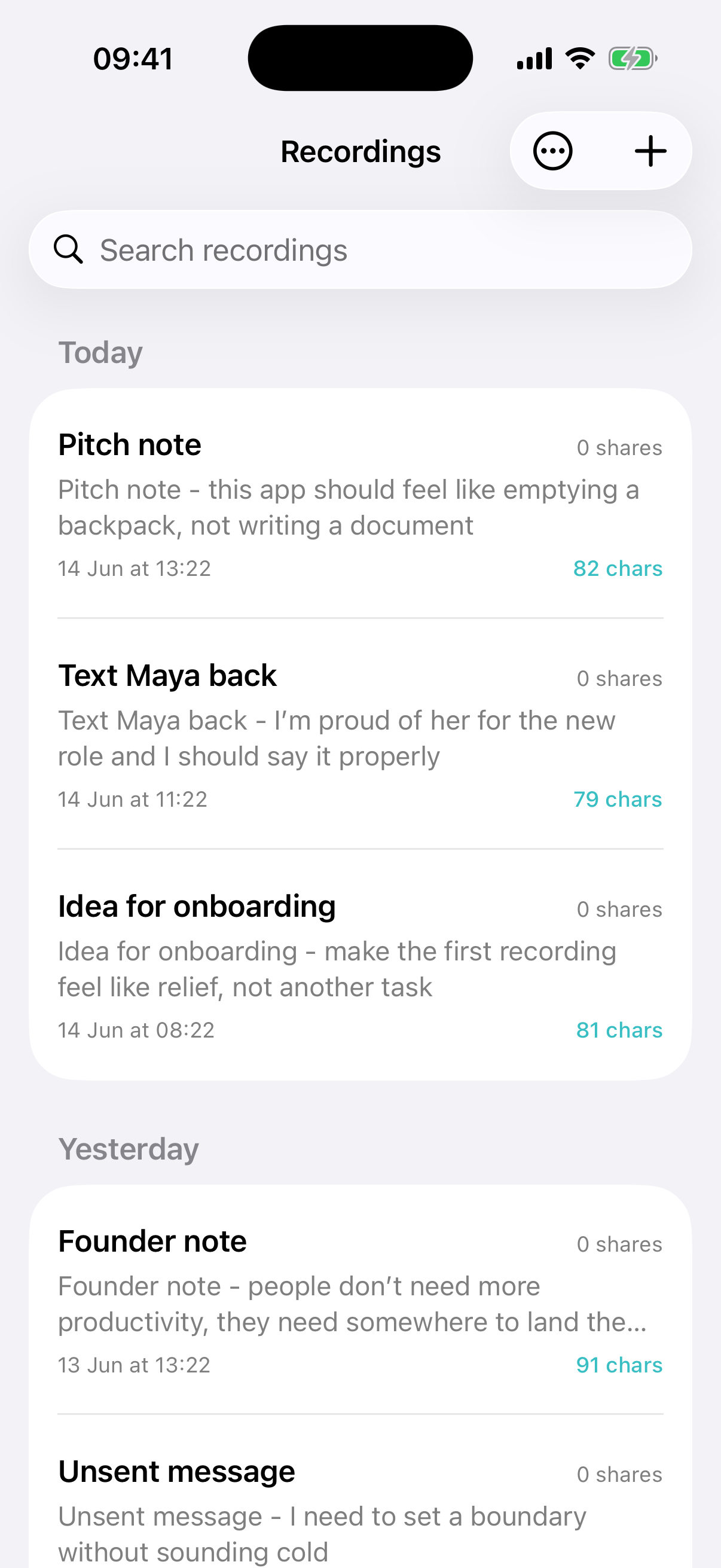
A running list of raw ideas, reminders, half-built posts, and quick voice notes waiting to be shaped.
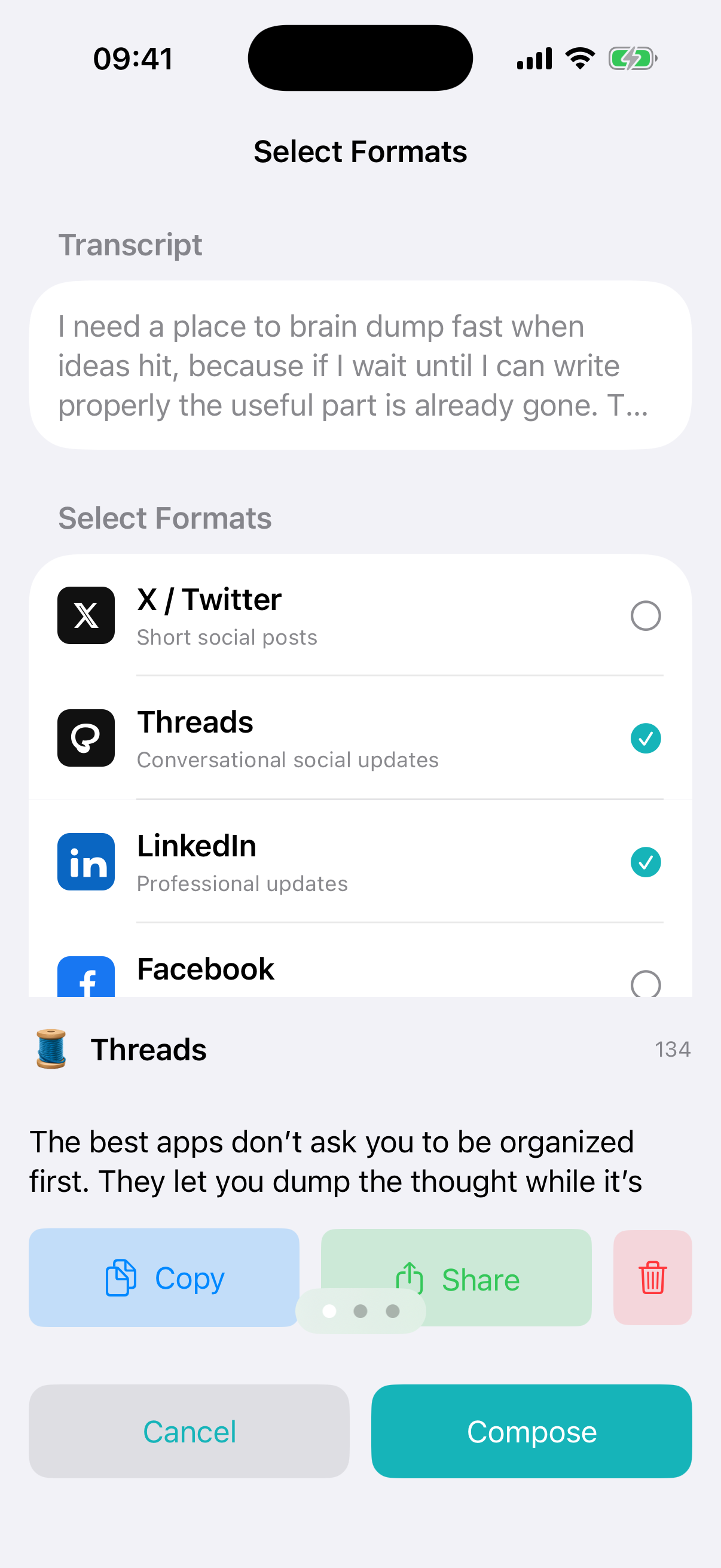
Pick the outputs that match the moment: social post, message, note, prompt, or longer draft.
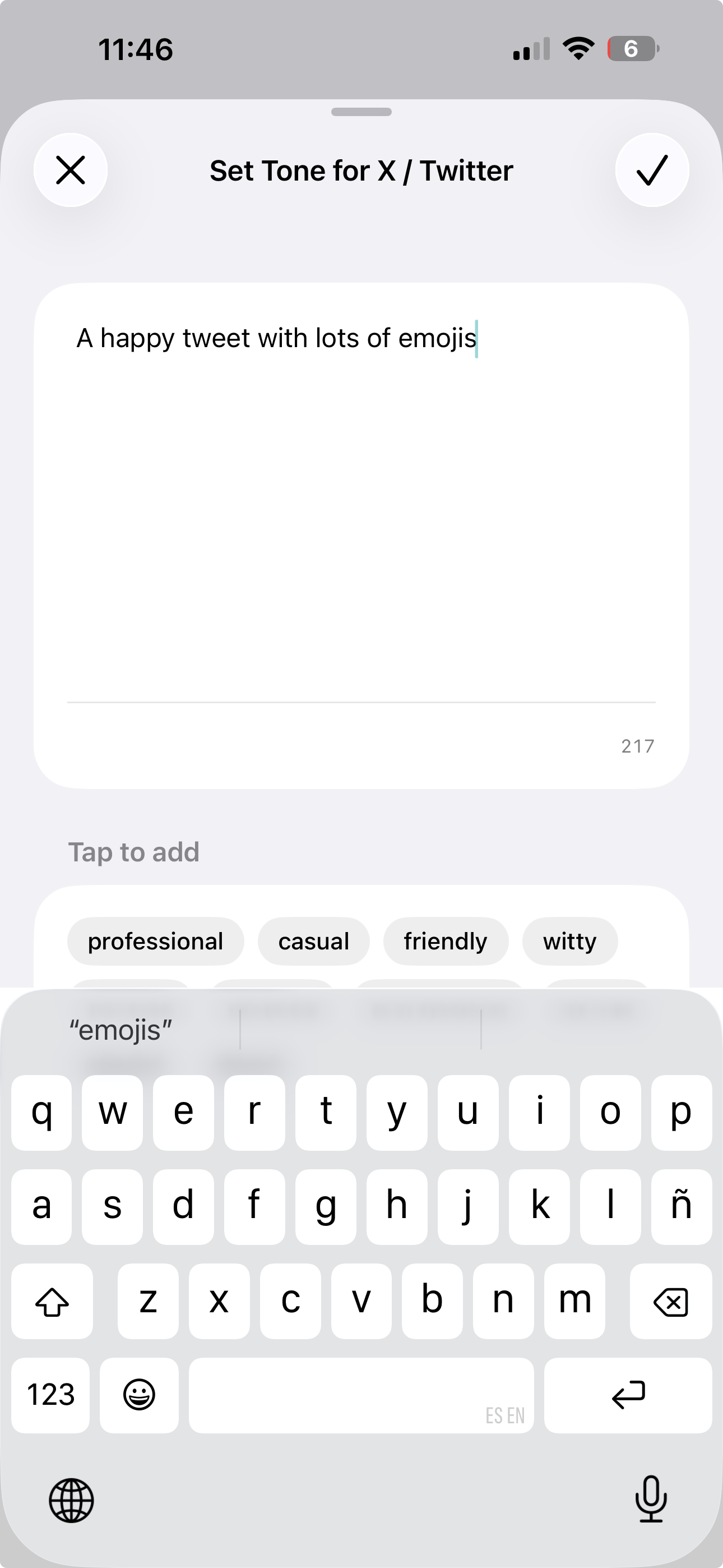
Set a style once when you need it, then let the rest of the flow stay quick and low-friction.
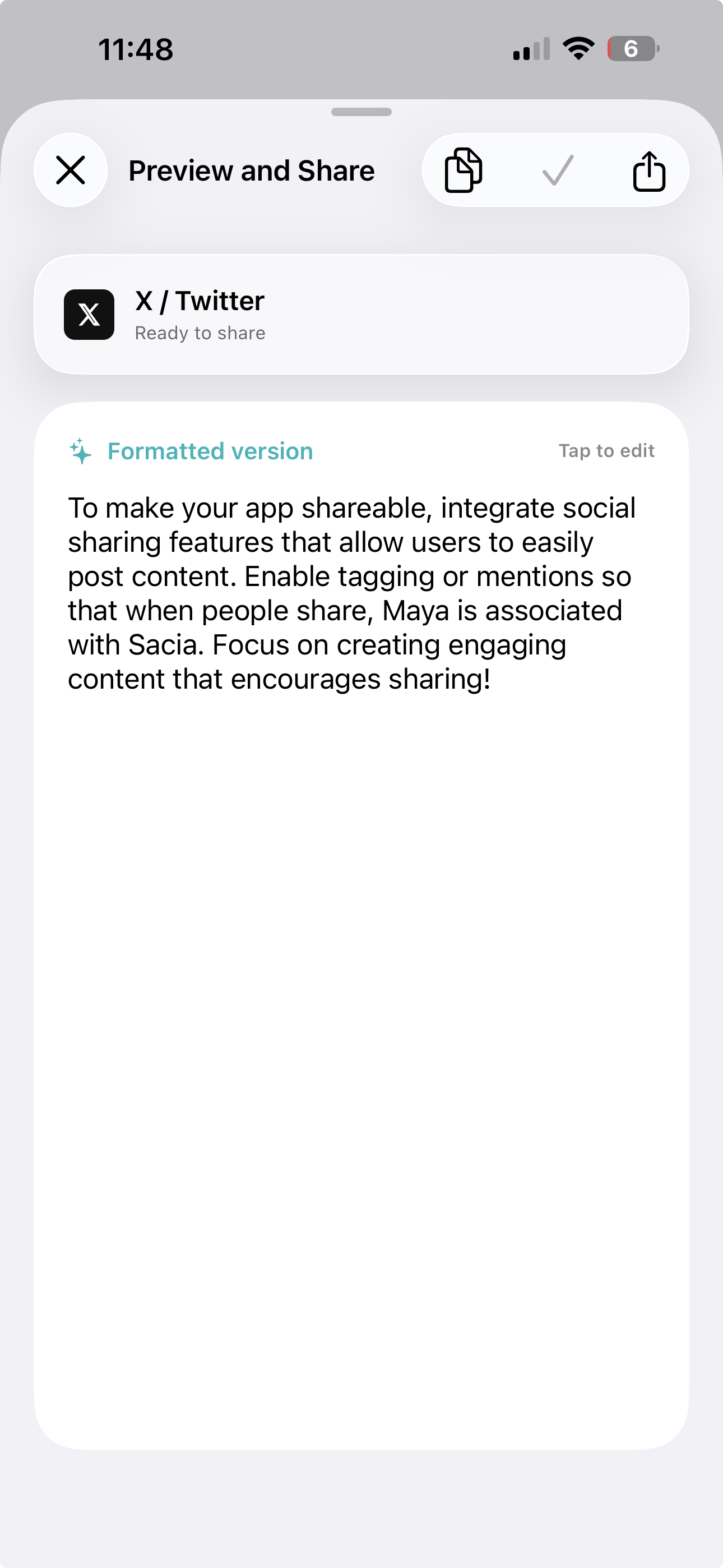
The formatted draft sits beside copy and share actions, so the output is ready without extra steps.
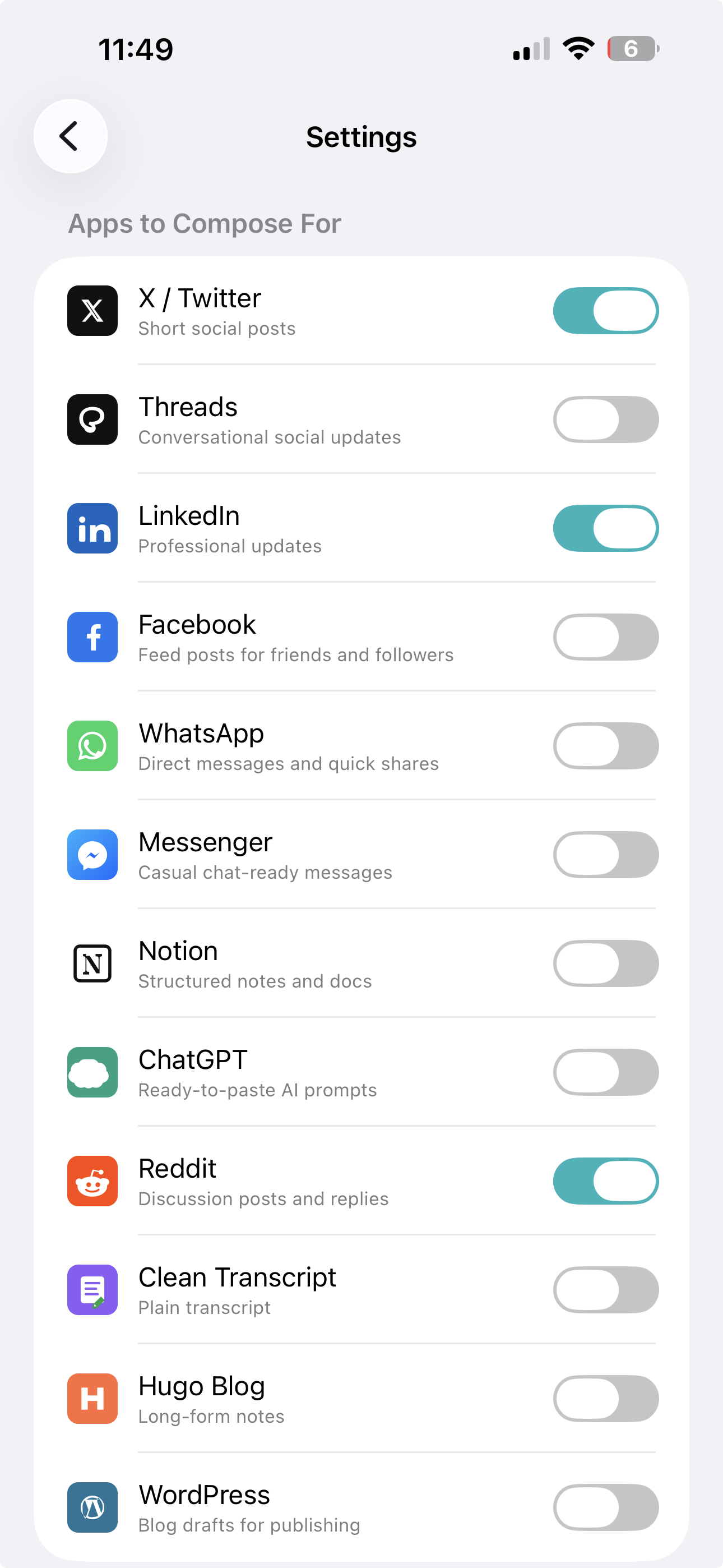
Enable the destinations you actually use. Dumple stays focused instead of turning into feature clutter.
Dumple is intentionally biased toward speed at capture time and clarity at output time. That is the whole product idea.
Speak or type exactly what is in your head, even if it is rough, repetitive, or unfinished.
Your original transcript stays visible, so you never lose the shape of what you actually meant.
Select the output format that matches the job: note, post, message, prompt, or longer draft.
Copy, share, or keep refining later. Dumple handles the transition from messy thought to usable draft.
The best capture tool is the one that lets you think first and organize second.
Dumple exists for that exact moment.